Early Pre-Vis with Virtus WalkThrough SE

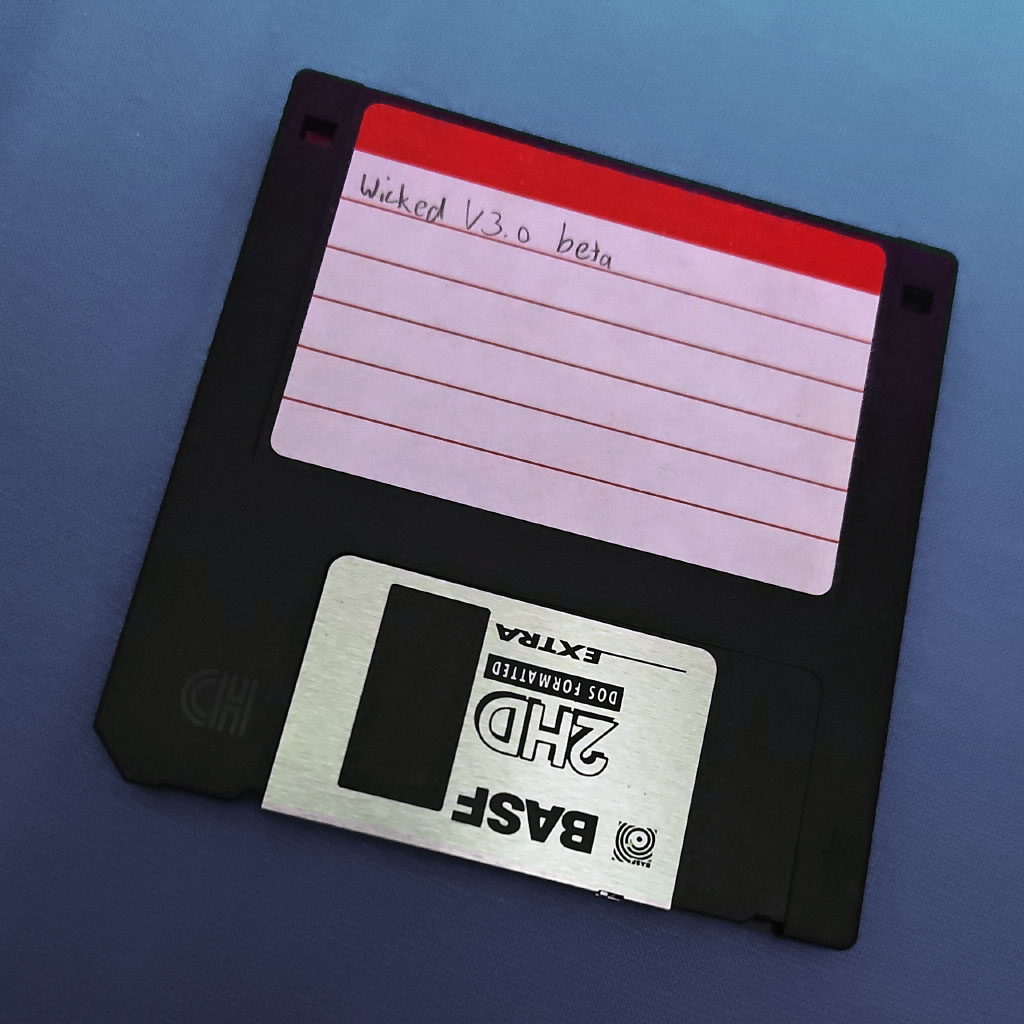
A 3.5-inch floppy disk is labeled 'Wicked V3.0 beta' in handwriting.

When it comes to backing up my files, I don't have a particularly brilliant track record. I once managed to wipe most of my PC's data in the late '90s while partitioning a hard disk in an attempt to install Linux. Should've made a backup first. Whoops.

But some of my old PC stuff survived on floppies, and I later copied their content over to external hard drives when those became affordable. I recently went through my backups and discovered a zip archive containing a lot of .WLK files.

I vaguely remembered using a 3D program for Windows 3.1 whose scenes had this file extension. After some searching, I discovered that it was Virtus WalkThrough SE, which I had bought when it was bundled with a German magazine.
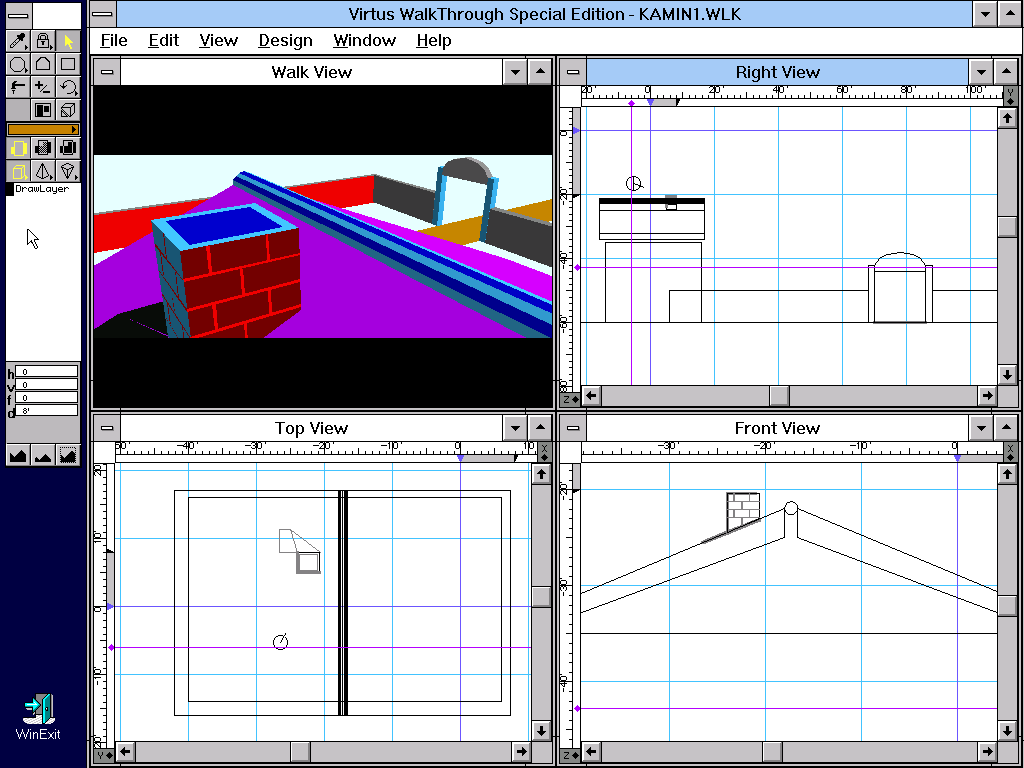
Screenshot of Virtus WalkThrough SE showing four windows. One window is a 3D view of a house's roof, and the others are orthogonal views of the same scene.
Virtus WalkThrough SE (Windows 3.1)

Virtus WalkThrough was an early real-time 3D editing program designed for architectural visualization. The full version was commonly used as a pre-visualization tool for movies in the early '90s.

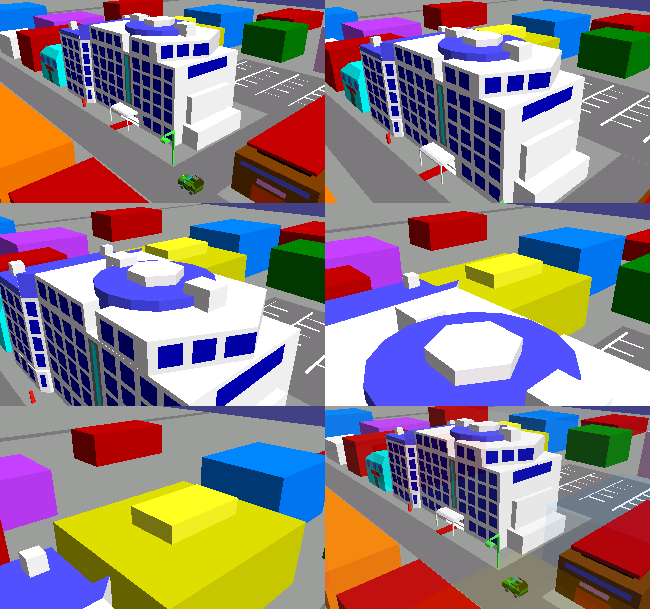
Animation of a camera flythrough over a low-poly city.

Its main selling point was that users could create and edit scenes and immediately see the changes in the 3D view.

Users could then walk through scenes (hence the name) by moving the camera in first person, and the 3D view would update in real time.

The full version was rather pricey. The much cheaper Special Edition omitted some features, like applying textures to surfaces, but for my purposes it was already plenty powerful.

I was an apprentice technical drafter in 1996, so I was already familiar with CAD software. Virtus WalkThrough SE was an affordable home alternative that worked excellently for basic 3D visualizations. Naturally, I used it for game development.
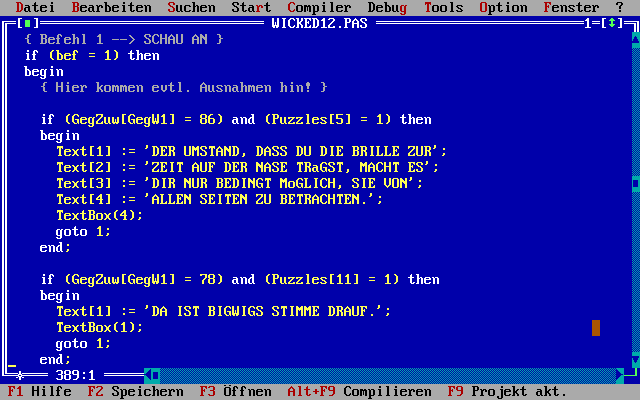
Screenshot of Turbo Pascal 7.0's IDE showing a snippet of code. The text and comments in the code are in German.
Borland Turbo Pascal 7.0

At the time, I was working on a graphic point-and-click adventure game called Wicked. I programmed it using Borland Turbo Pascal 7.0 for MS-DOS.

Pascal was the first "proper" programming language I learned after Commodore BASIC and Microsoft's QBasic. Although this version of Turbo Pascal offered object-oriented programming, I couldn't quite wrap my head around the concept yet and structured the game the old-fashioned procedural way instead.

I had recently watched The Silence of the Lambs and Twin Peaks, and The X-Files had been airing on German TV since late 1994. Some of that seeped into the game's setting and story.

In Wicked, you played an FBI agent who had to travel to a small town in Idaho to investigate a murder that appeared to imitate a series of murders committed 50 years earlier.

Unfortunately, my planned story became rather long-winded, and I never even got close to finishing the game. It was about 25% done when I abandoned the project for good in 1998.
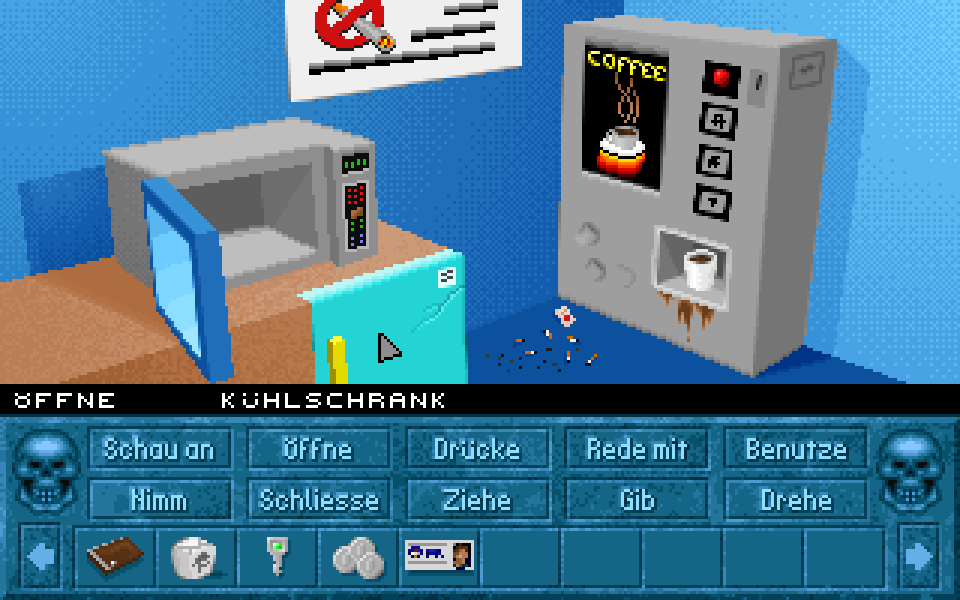
Screenshot of Wicked showing a dirty break room with a fridge, a microwave, and a coffee vending machine. The bottom half shows the game's verbs (in German) and the inventory as a row of icons.
Wicked (MS-DOS)

The game had a mouse-driven interface with verbs and a graphical inventory. The room graphics were shown from the player's perspective, similar to the style of later Legend Entertainment games, such as Superhero League of Hoboken or Death Gate. That way, I didn't need to animate characters or implement a pathfinding system.
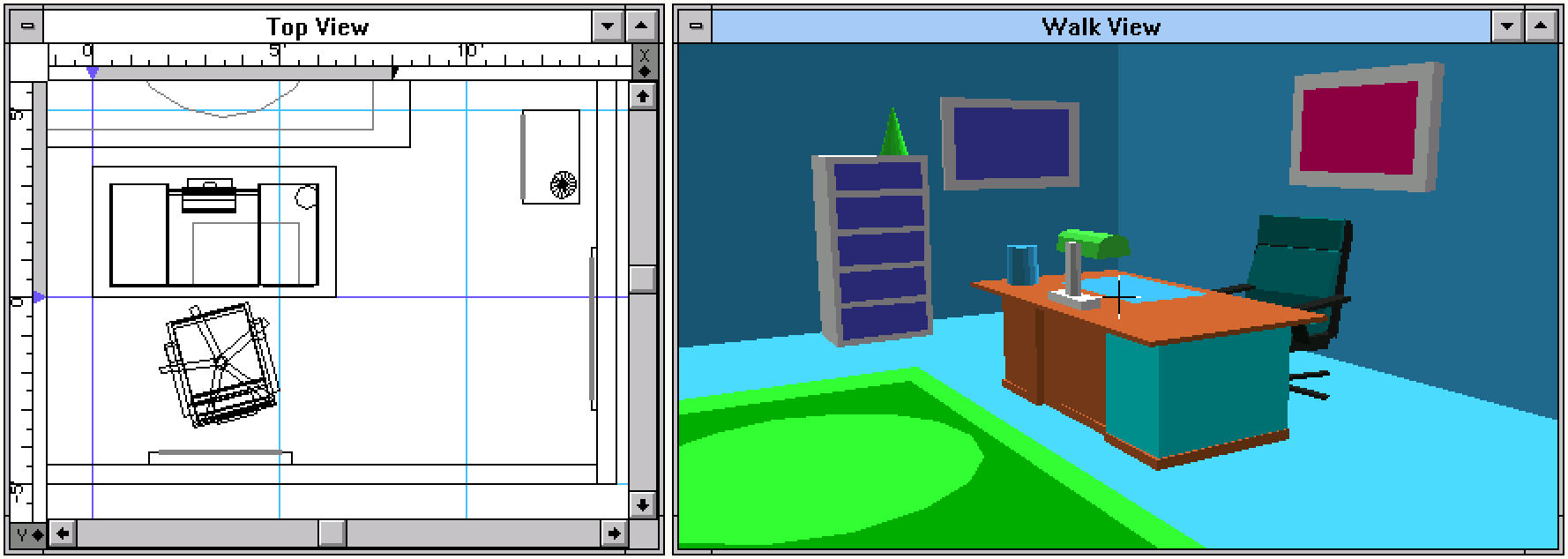
Screenshot from Virtus WalkThrough SE showing two windows side by side. The window on the left is a top-view wireframe of an office, and the window on the right shows the office in 3D.

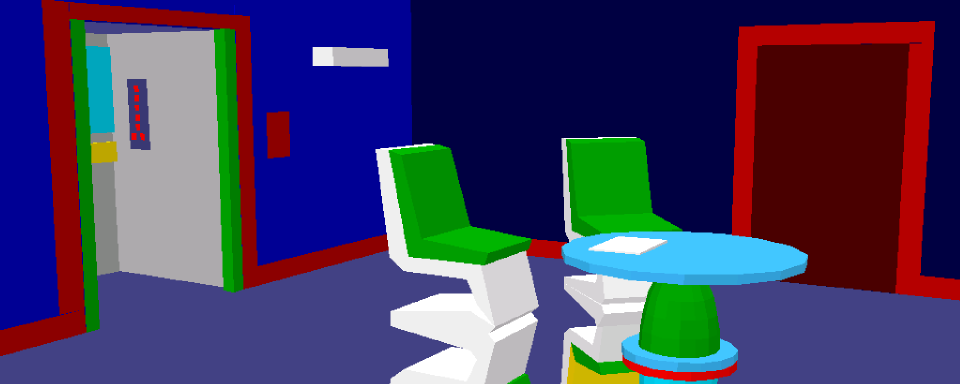
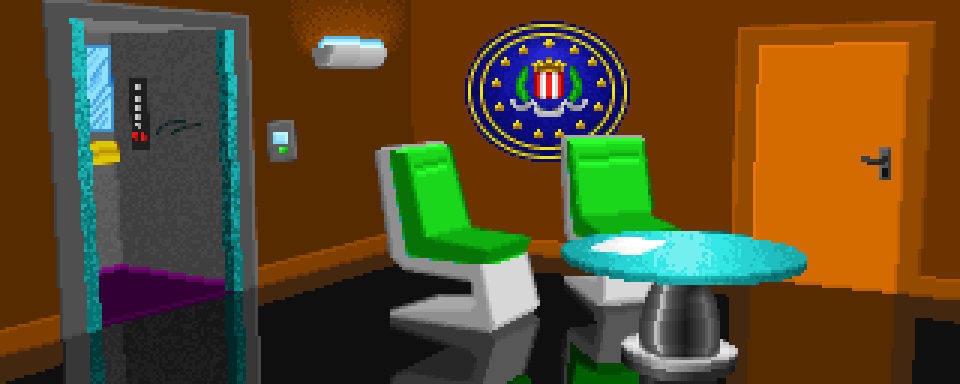
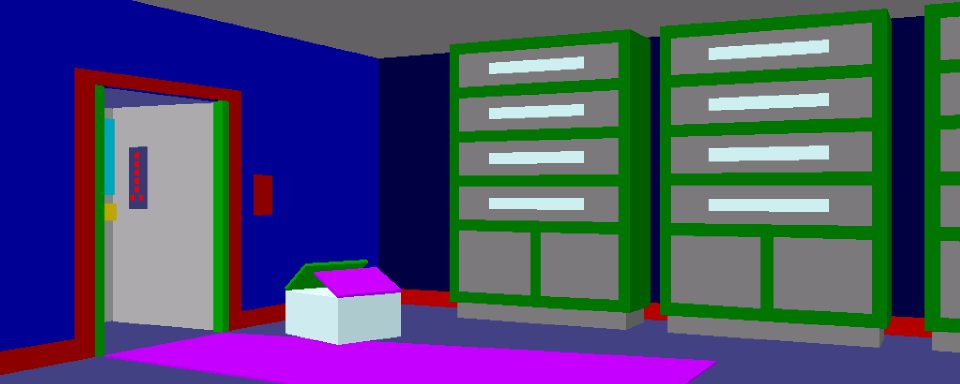
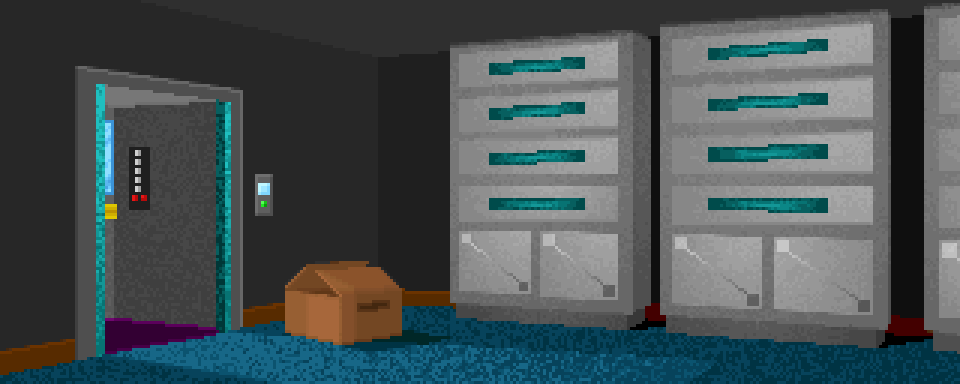
Virtus WalkThrough SE turned out to be the ideal tool for the game. I could design the rooms in full 3D, set up interesting camera views, and export the scenes as flat renders. Then I'd open these in DeluxePaint II and draw over them.

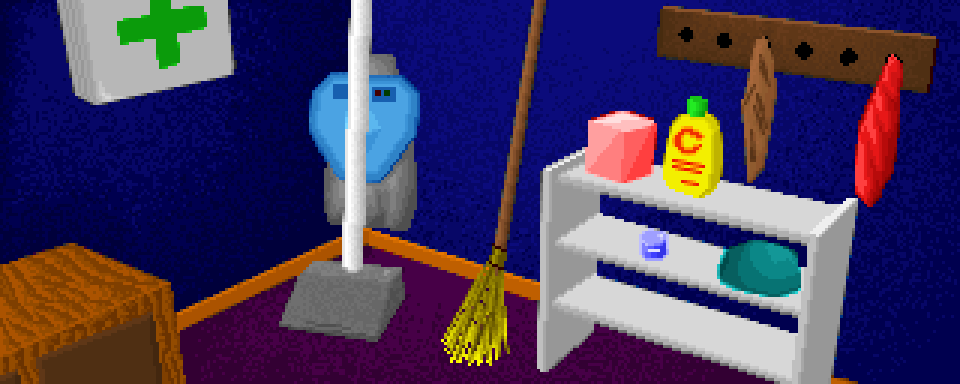
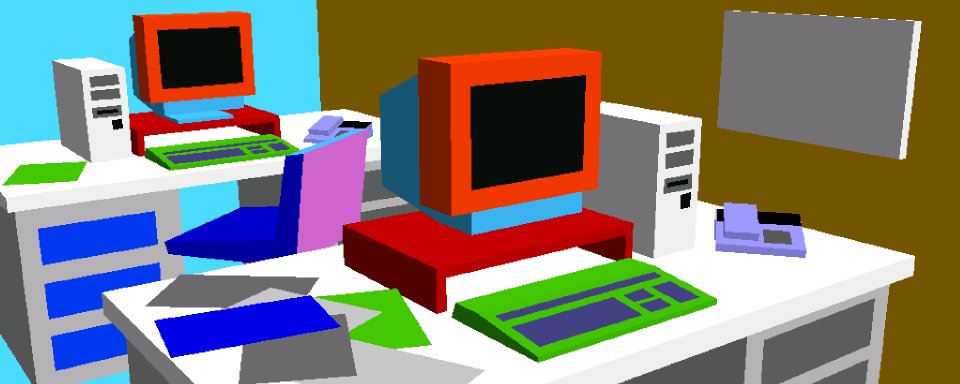
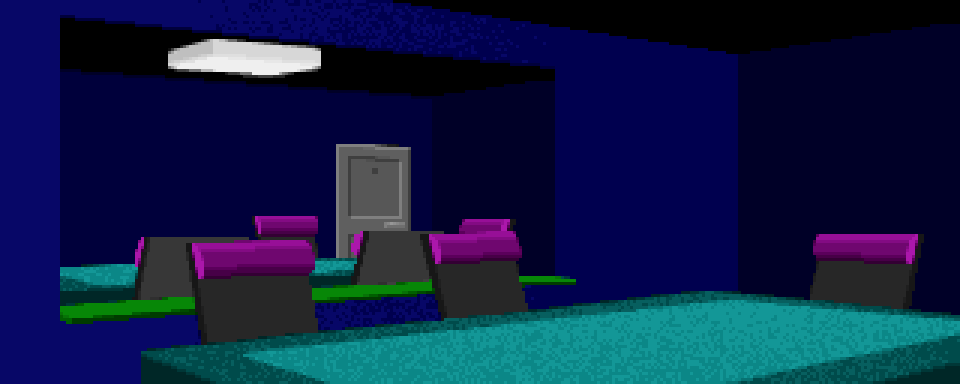
Here are some rooms from Wicked and their 3D counterparts from Virtus WalkThrough SE. Move your cursor (or finger) over the images to compare the 3D renders and the finished pixel backgrounds. They all use the same 256-color palette, except for the street image, which was part of the game's intro.

3D render with flat polygons of a cleaning closet containing a first aid kit, a vacuum cleaner, a broom, a shelf with various cleaning supplies, and a towel rack. The same closet painted over as a finished 256-color pixel art background.
Cleaning Closet
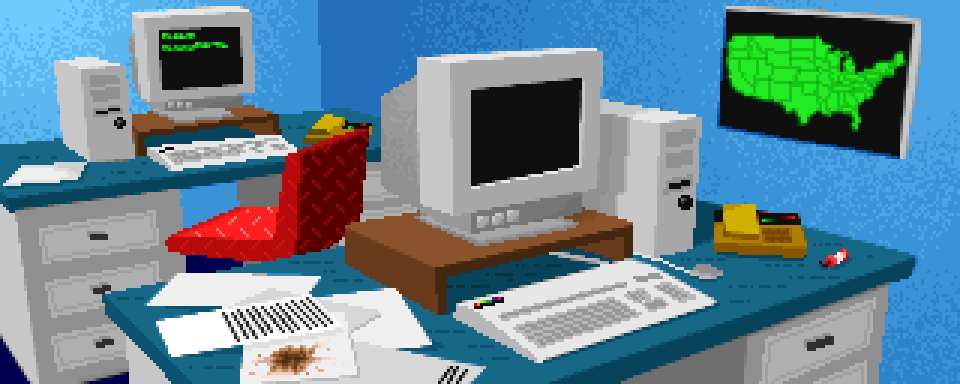
3D render with flat polygons of an office containing two desks, both dominated by bulky '90s PCs and CRT monitors. The front desk is rather messy. The same office painted over as a finished 256-color pixel art background.
Office
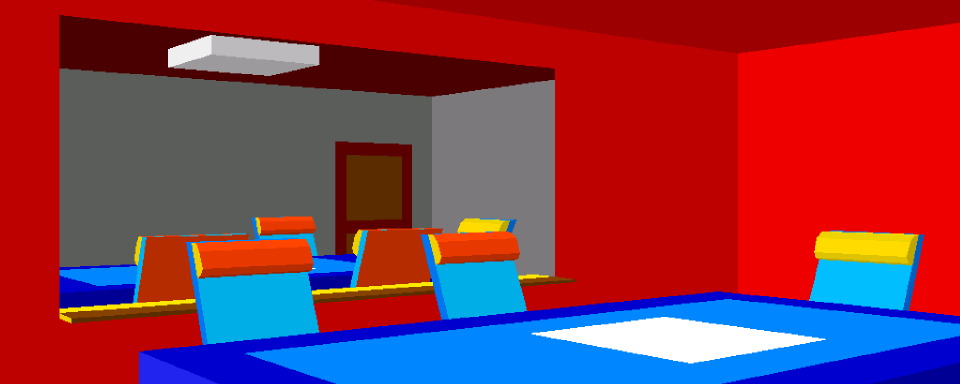
3D render with flat polygons of an interrogation room with a central table, three chairs, and a large mirror on the back wall. The same room painted over as a finished 256-color pixel art background.
Interrogation Room
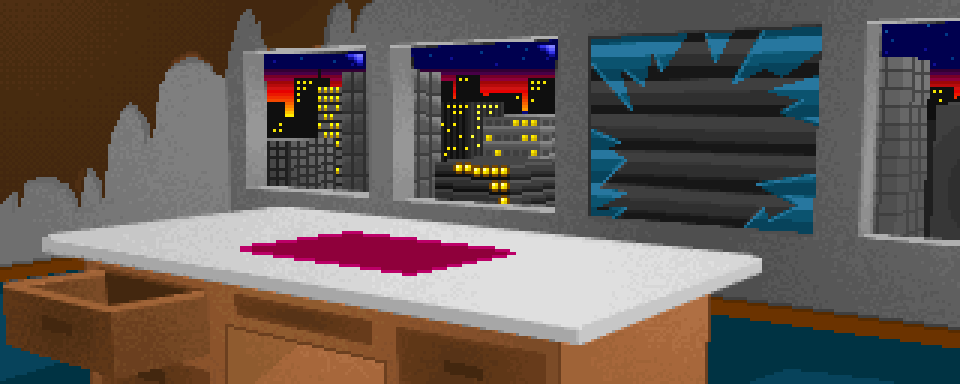
3D render with flat polygons of an abandoned office with a desk as its only piece of furniture. The wallpaper is peeling off. The same office painted over as a finished 256-color pixel art background.
Abandoned Office
3D render with flat polygons of a lobby with two chairs and a circular table. The floor is highly reflective. The elevator on the left side is open. The same lobby painted over as a finished 256-color pixel art background.
Lobby
3D render with flat polygons of a dark basement with some wall cabinets and a cardboard box on the floor. An open elevator is the only light source. The same basement painted over as a finished 256-color pixel art background.
Basement
3D render with flat polygons of a street with buildings, a hydrant, and a curb drain in the foreground. The viewing angle is tilted. The same street painted over as a finished 256-color pixel art background.
Street

When I look at the 3D renders nowadays with their flat-shaded polygons, I get strong early-3D-animation vibes. I'm particularly reminded of the music video for Dire Straits' Money for Nothing.

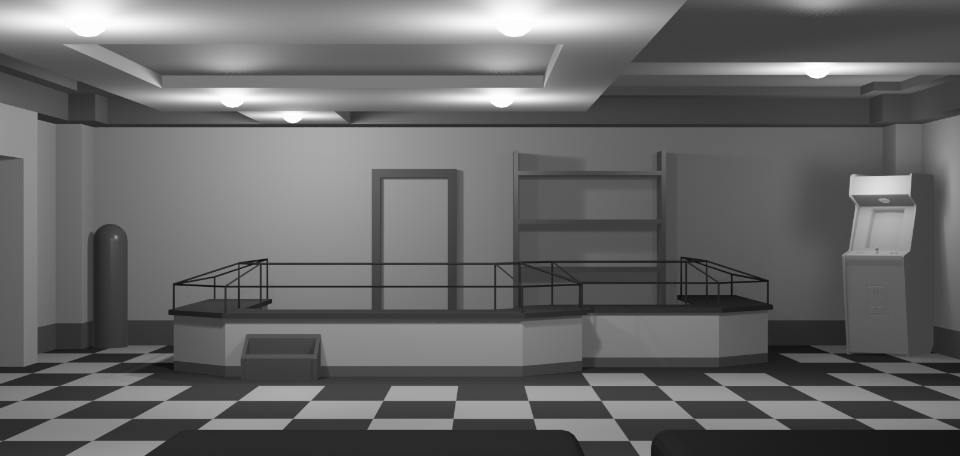
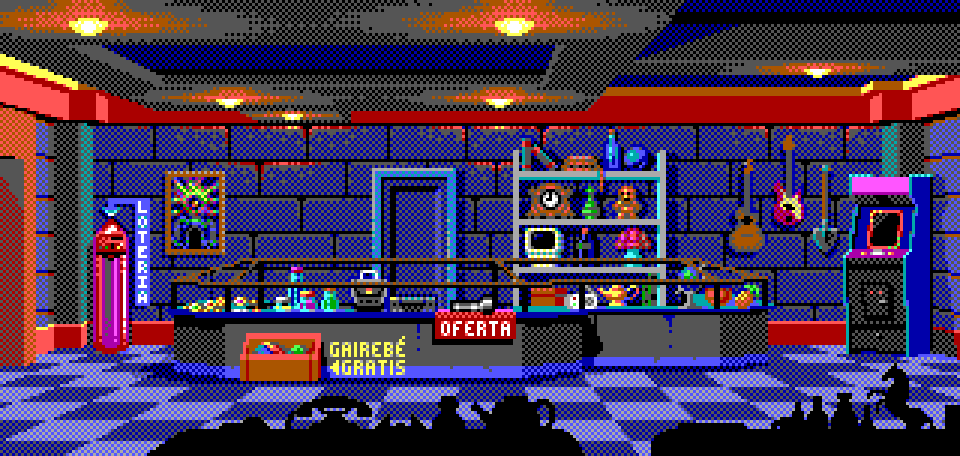
As ancient as this workflow may seem, I'm still applying it today. I'm using Blender to create the 3D models, but the technique remains the same. Here are some examples from The Sideways Traveler:

3D grayscale render of a kitchen with the usual appliances. Some of the appliances are opened, so their doors are shown in perspective. The same kitchen painted over as a finished 16-color EGA pixel art background.
Kitchen
3D grayscale render of a pawn shop interior with a central display case and a shelf. On the left side is a cylindrical lotto machine, and on the right side is an arcade cabinet. The same room painted over as a finished 16-color EGA pixel art background.
Pawn Shop